Using git
In CS201, I will use git and github to share materials like code and slides with you. Before completing these steps, make sure you’ve logged in to github in VS code as explained on the setup page! Also, make sure you’ve accepted my invitation to our github organization.
Homework and Lab Assignments
Homework and lab assignments will be published individually as github repositories. Follow these steps to clone a repository:
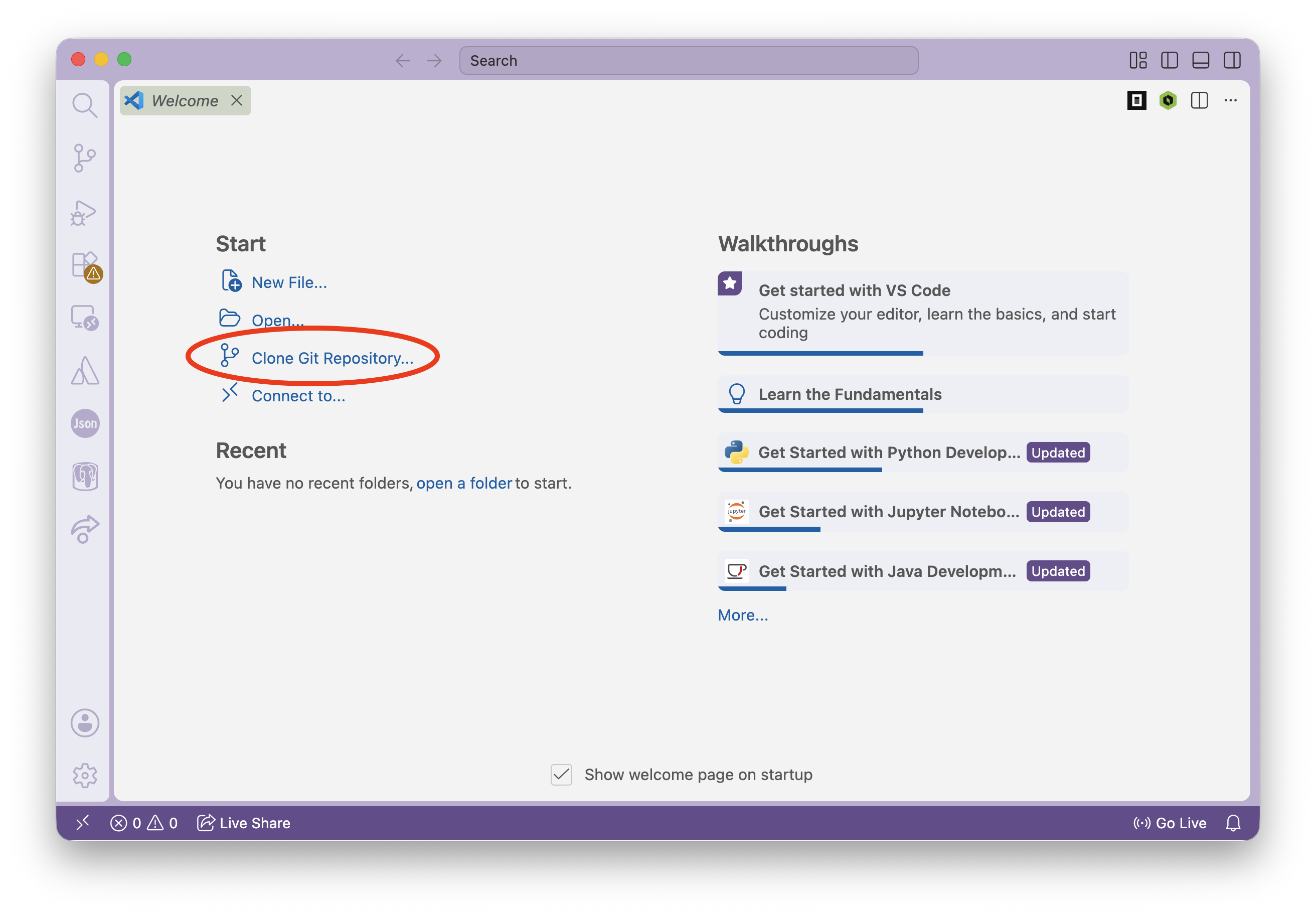
Open a new window in VS Code. There are many ways to do this; one is to click
File > New Window.In your new window, click
Clone Git Repository....
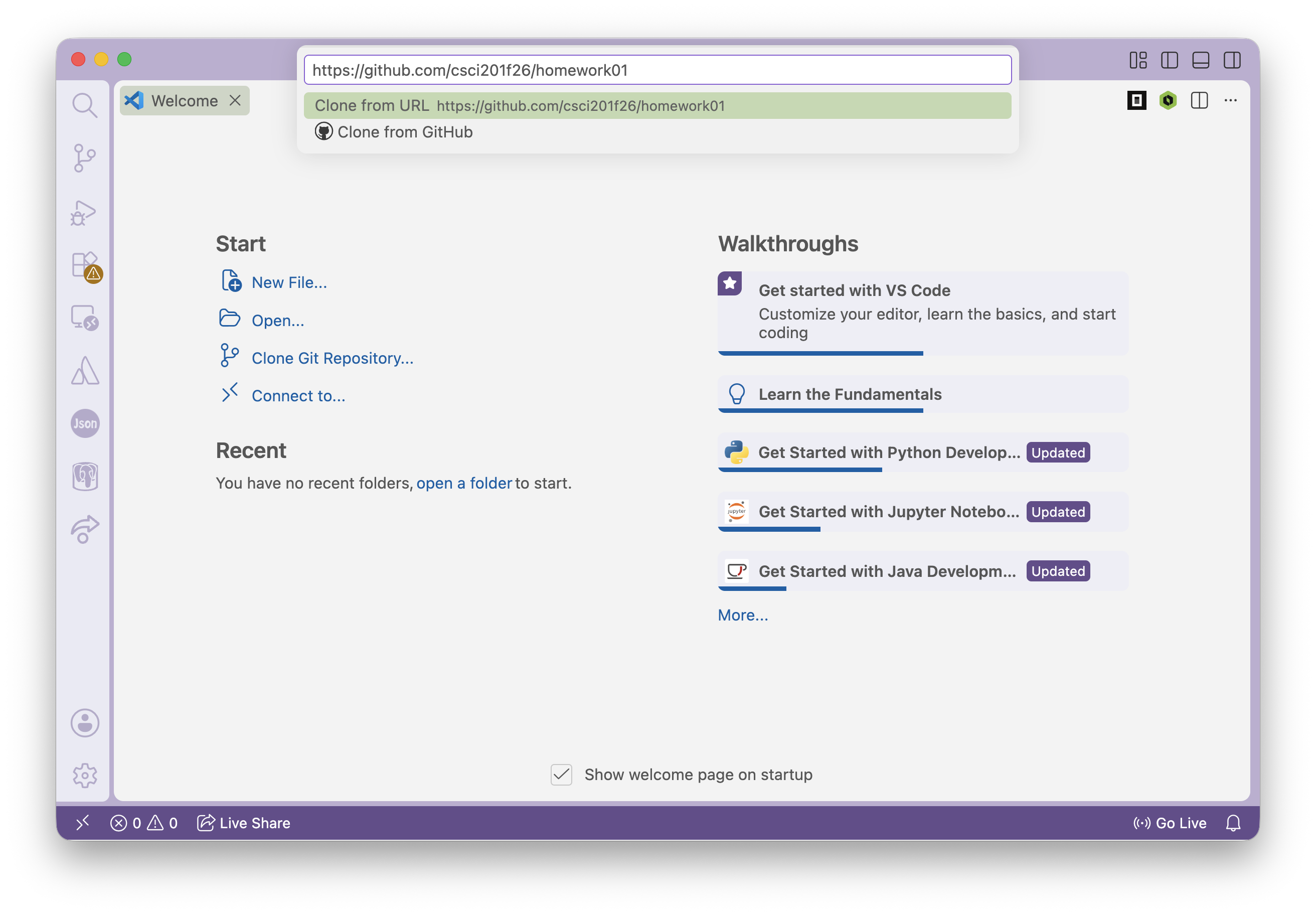
- Copy the link for the repository you’d like to clone (on the assignment page under
Starter Code) into the box that pops up.
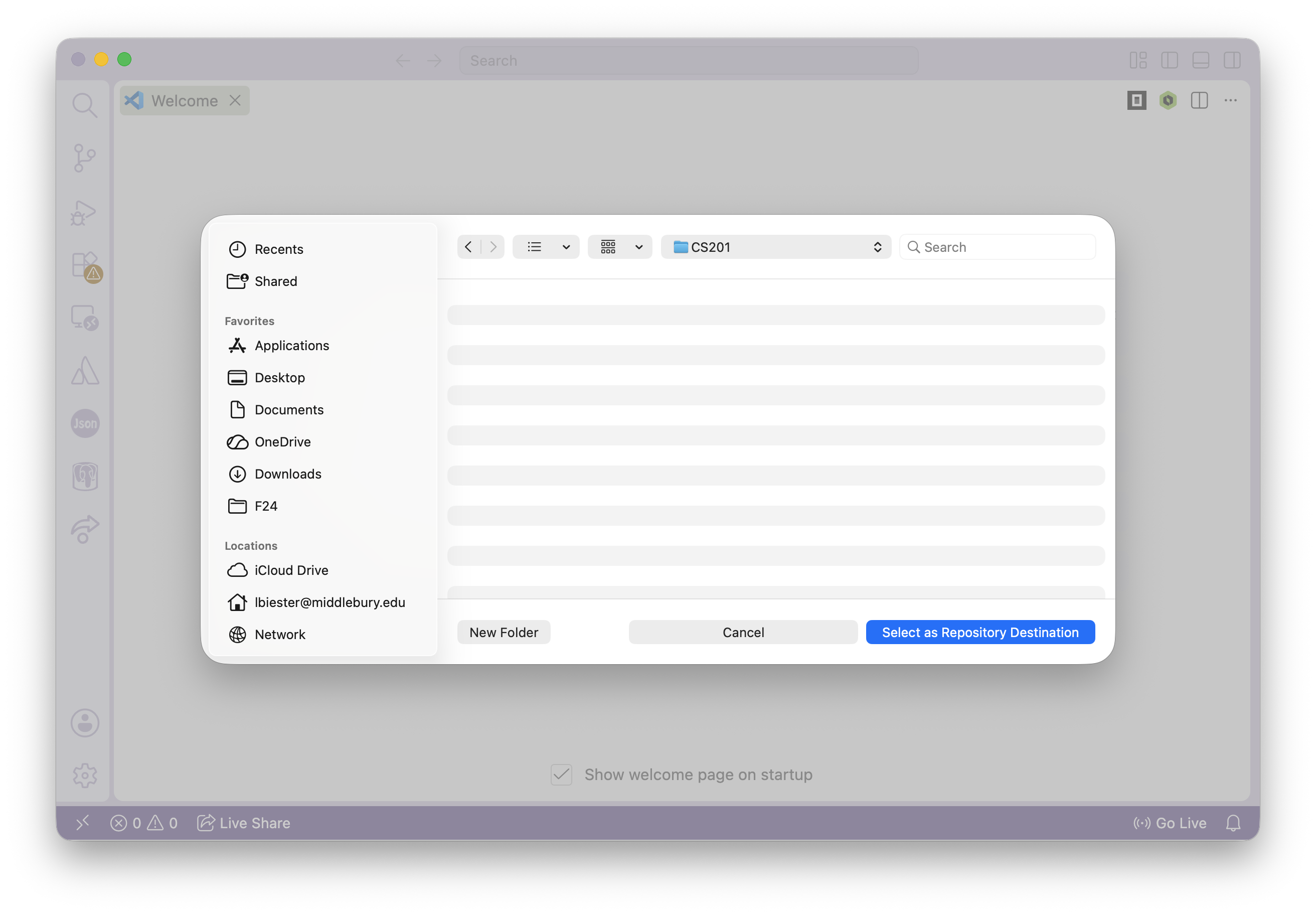
- Select a destination. I recommend creating a directory called
CS201on your desktop or in your documents folder to store all of your CS201 materials.
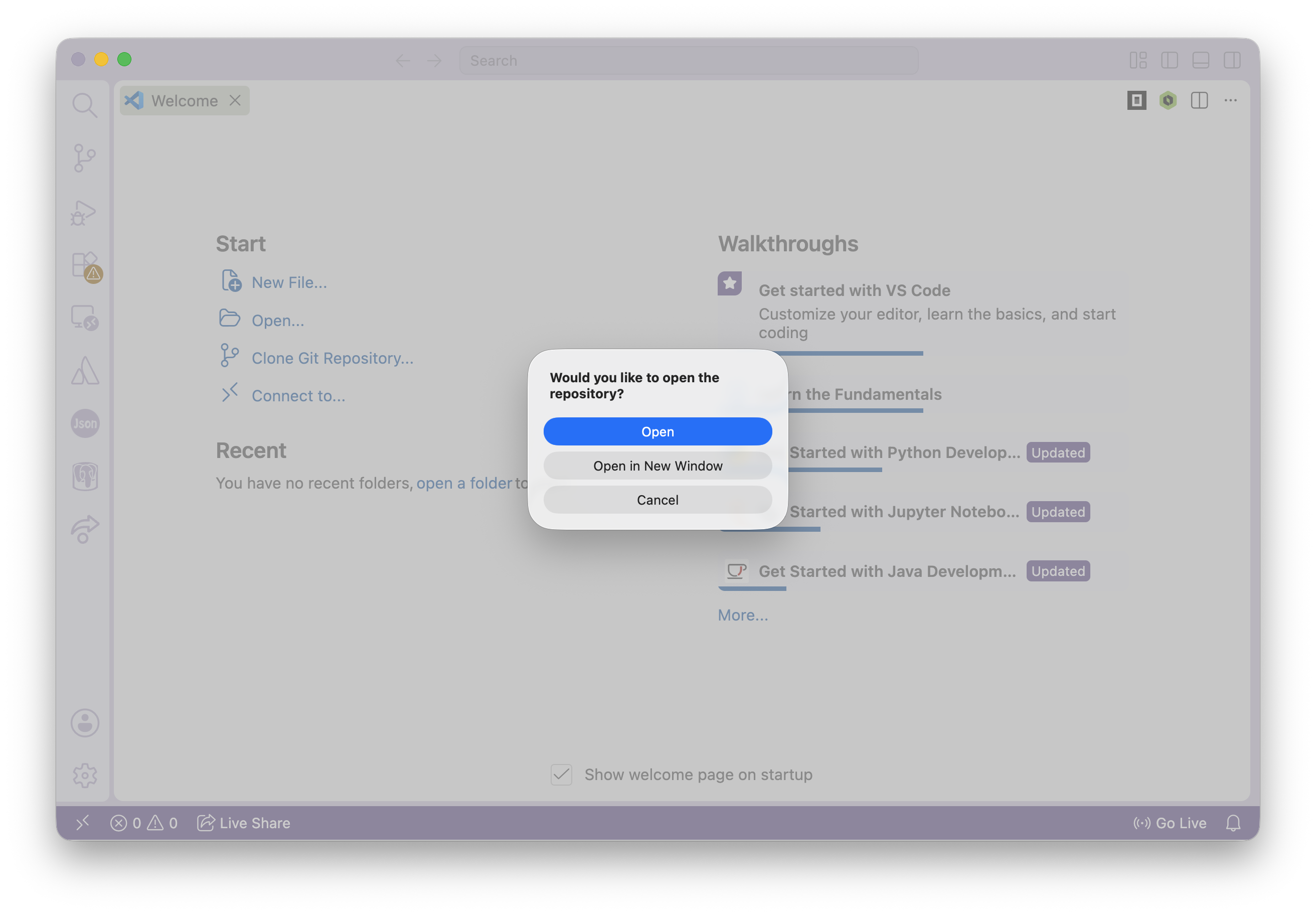
- Click
Openwhen the box pops up.
- Start coding!
Lecture Material
I will distribute material for lectures (slides, starter code, solutions for activities) in one repository. Follow these instructions to access it:
Your first time accessing the material
The first time you access the material, you will follow the same steps as what you see above for homework and lab assignments. Use the link https://github.com/csci201f26/lecture.
After your first time
After your first time, you’ll only need to update the repository by pulling rather than cloning. Follow these steps:
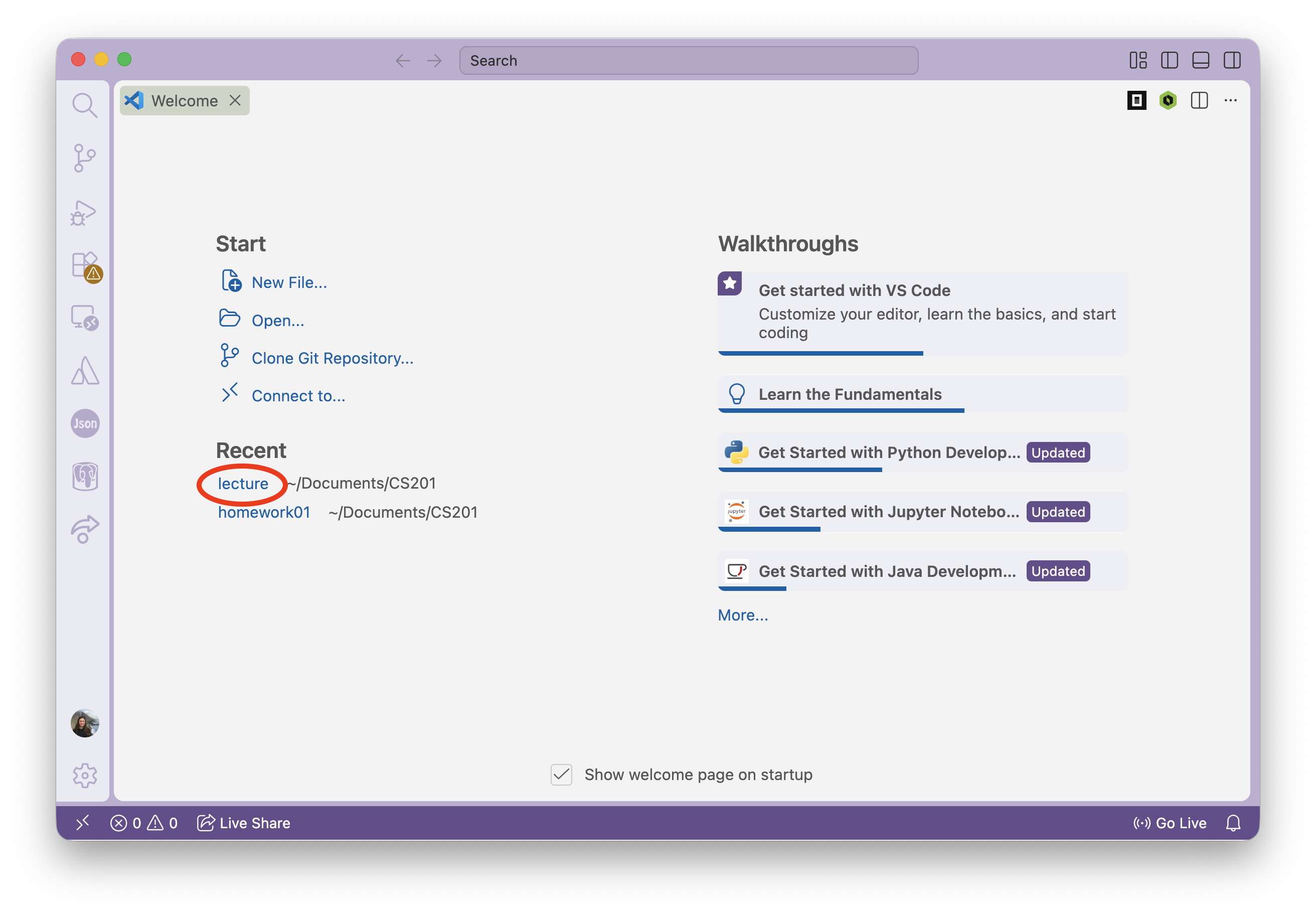
- Open your
lecturedirectory that was created during step 1. There are a few ways to do so, one is to open a new window and clicklectureunderRecent.
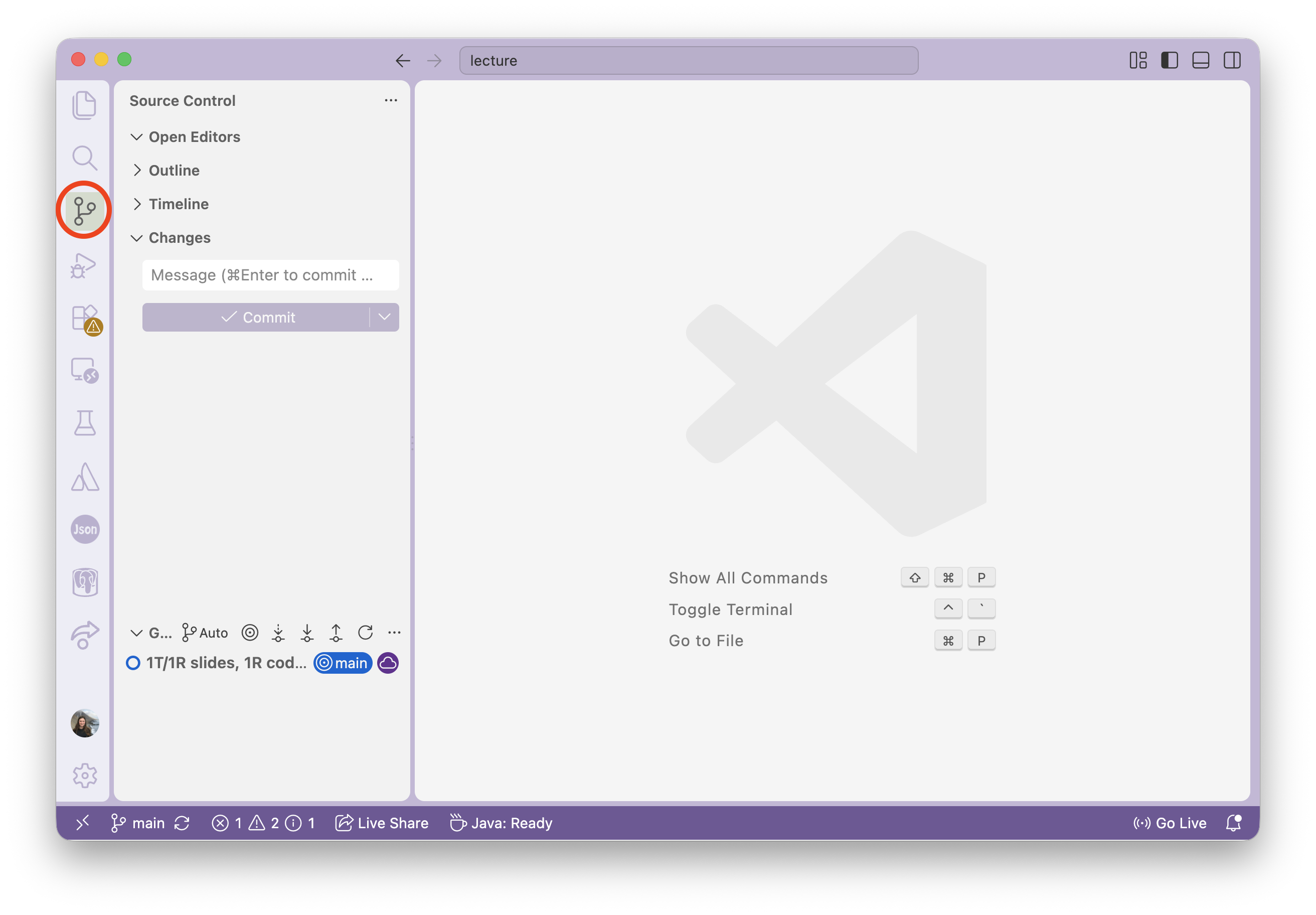
- Navigate to the Source Control interface.
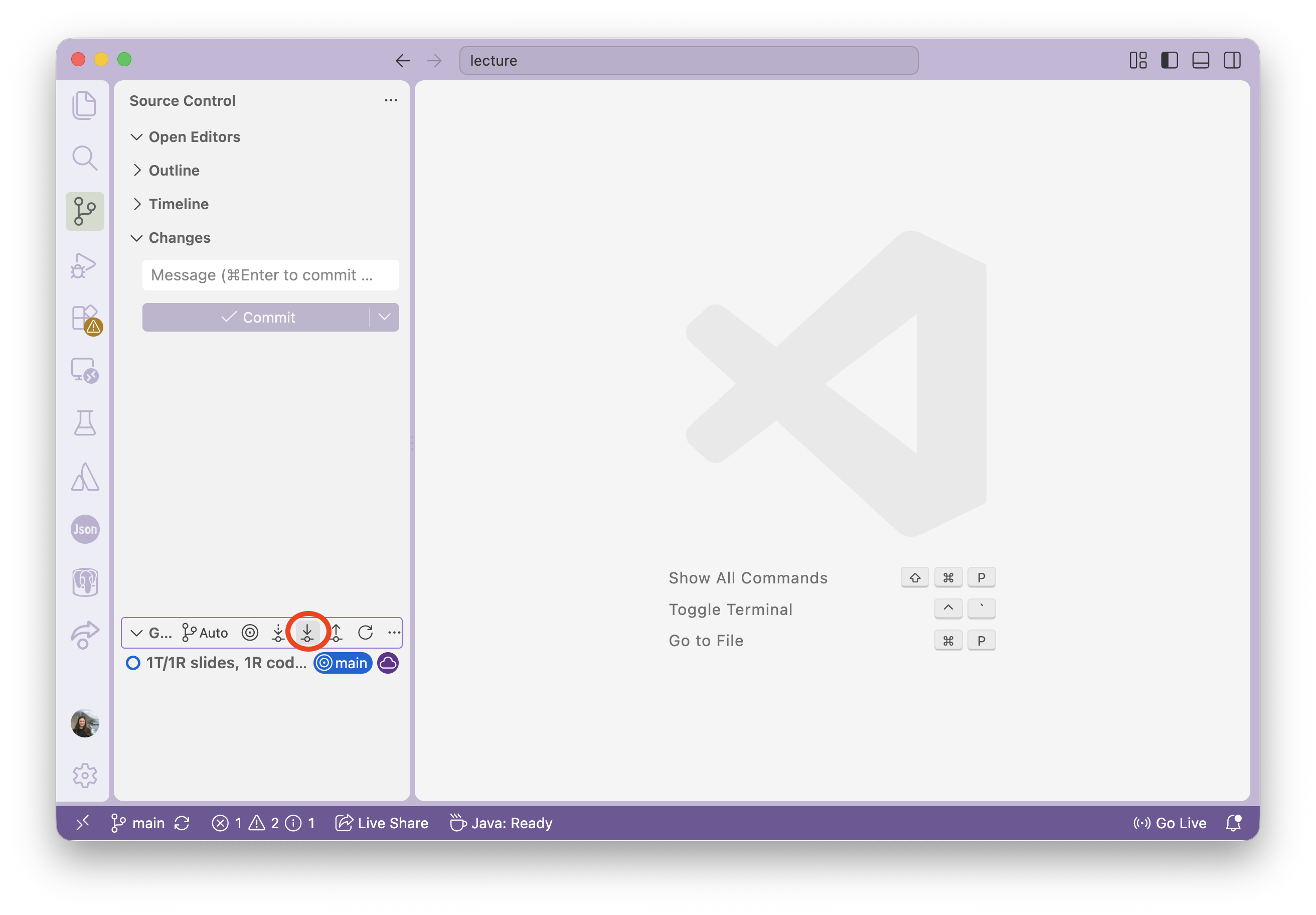
- Click the
Pullbutton.
If you have trouble with this, please run the following in a terminal window:
git config --global pull.rebase false- Your code should now be up-to-date with the repository on github!